
Free Image & PDF Optimizer
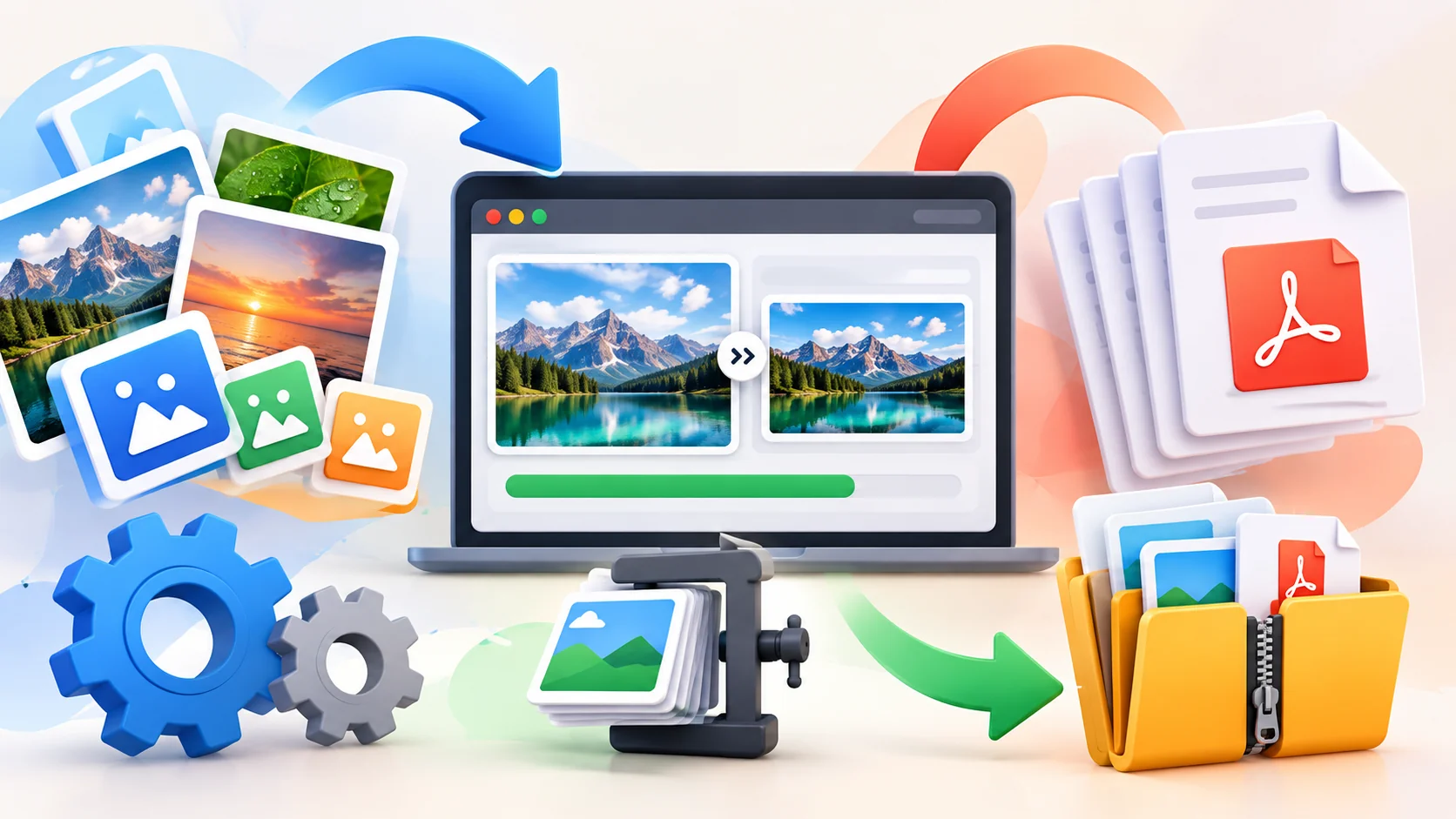
Convert, Compress, Resize & Optimize Images and PDFs Online
Image & PDF Optimizer is a free browser-based tool for converting, compressing, resizing, renaming, and optimizing images and PDF files.
Convert images to WebP, JPG, PNG, PDF, reduce image and PDF file sizes, resize images in bulk, remove metadata, and create clean SEO-friendly filenames — without installing software or creating an account.
Your files are processed directly in your browser, so selected images and PDFs stay on your device.
Free · No Account Required · Browser-Based Processing
Everything You Need to Prepare Files for the Web
Whether you’re preparing product images for an ecommerce store, optimizing website assets, reducing PDFs before uploading them, or cleaning up hundreds of image filenames, Image & PDF Optimizer brings the essential tools together in one place.
Convert Images
Convert images between popular formats including WebP, JPG, PNG and PDF.
Choose the output format you need and process multiple files together instead of converting images one at a time.
Compress Images & PDFs
Reduce unnecessary file size while keeping your images and documents practical for web use.
Smaller files can make website assets easier to upload, share and store while helping reduce the amount of data visitors need to download.
Resize Images in Bulk
Resize multiple images using:
- Original dimensions
- Preset widths
- Custom width
Image proportions are maintained automatically, making it easy to prepare consistent images for websites, blogs, ecommerce stores and other digital platforms.
Batch Process & Download as ZIP
Add multiple files, configure your settings once and process them together.
When you’re finished, download your optimized files as a single ZIP archive instead of saving every file individually.
Rename & Create SEO-Friendly Filenames
Organize files before uploading them to your website.
Keep original filenames, automatically create numbered sequences, or convert descriptive phrases into clean, SEO-friendly filenames.
For example:
Best Shopify Web Designer Kerala.jpg
becomes:
best-shopify-web-designer-kerala.webp
This makes large batches of website images much easier to organize and manage.
Remove Image Metadata
Remove unnecessary metadata when preparing images for websites, sharing or storage.
This helps create cleaner output files without carrying unnecessary embedded information into the optimized version.
Your Files Stay on Your Device
Unlike traditional online file converters that may require files to be uploaded to a remote server, Image & PDF Optimizer processes supported operations directly inside your browser.
There is no account to create and no software installation required.
Select your files, choose your optimization settings, process them and download the results.
Supported Image & Document Formats
Image & PDF Optimizer supports commonly used formats including:
JPG · JPEG · PNG · WebP · AVIF · PDF · GIF · BMP · TIFF · HEIC
Available conversion options depend on the selected source and output format.
Built for Real Website Workflows
For Web Developers
Convert and resize batches of website assets before adding them to a project. Generate modern image formats such as WebP or AVIF and keep filenames organized.
For SEO Professionals
Create descriptive, URL-friendly image filenames and prepare lighter website assets without repeatedly switching between different tools.
For Ecommerce Stores
Prepare product and collection images in consistent dimensions and modern formats before uploading them to Shopify, WooCommerce or other ecommerce platforms.
For Content Managers
Resize blog images, optimize PDFs, clean filenames and process multiple assets together before publishing new content.
For Everyday File Optimization
You don’t need to be a developer. Use the tool whenever you need a smaller image, a different format, a resized photo or a compressed PDF for uploading, sharing or storage.
Frequently Asked Questions
What is Image & PDF Optimizer?
Image & PDF Optimizer is a free browser-based tool for converting, compressing, resizing, renaming and optimizing images and PDF files. It supports batch processing and multiple popular image formats.
Is Image & PDF Optimizer free?
Yes. The browser-based Image & PDF Optimizer can be used for free without creating an account.
Are my images uploaded to a server?
Selected files are processed directly in your browser, so your images and PDFs stay on your device during supported processing operations.
Can I convert images to WebP?
Yes. You can convert supported image formats to WebP and process multiple images together.
Can I compress images online?
Yes. You can optimize and compress supported images directly in your browser and adjust settings such as output format and quality.
Can I compress PDF files?
Yes. Image & PDF Optimizer includes PDF compression for reducing PDF file sizes.
Can I resize multiple images at once?
Yes. You can batch resize images using their original dimensions, preset widths or a custom width while maintaining their proportions.
Can I rename images for SEO?
Yes. The file naming tools can create cleaner, SEO-friendly filenames from descriptive phrases and keywords.
Can I optimize multiple images at once?
Yes. Image & PDF Optimizer supports bulk processing. Add multiple files, apply your settings and download the processed files together as a ZIP archive.
Do I need to install software?
No. The tool runs in a modern web browser and does not require software installation or account registration.
Optimize Your Images & PDFs for Free
Convert formats, reduce file sizes, resize images, clean up filenames and process multiple files from one simple browser-based tool.
No account. No installation. Your files stay on your device.